

 Training
 Nutrition
 Messaging
 Forum
Forum Progress tracking
 Lesson
Train Smarter.
Manage Better.
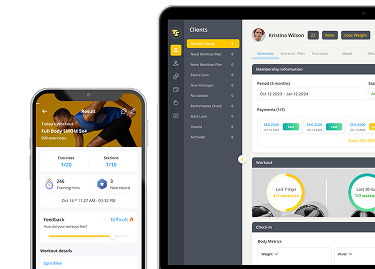
TopCoach gives you the tools to build, assign, and track personalized training plans – efficiently and at scale.
Your content goes here. Edit or remove this text inline or in the module Content settings. You can also style every aspect of this content in the module Design settings and even apply custom CSS to this text in the module Advanced settings.
BOOST CLIENT RESULTS
Discover the tools that help you design, deliver, and track custom training programs – all in one place.

Custom workouts
Create personalized workouts for each client.
Assign to Clients Instantly
Quickly add workouts to a client’s calendar or assign in bulk.
Track Progress Visually
View each client’s overall training progress - all in one clear dashboard.
Save Time with Templates
Use reusable templates to speed up workflow and reduce repeat work.
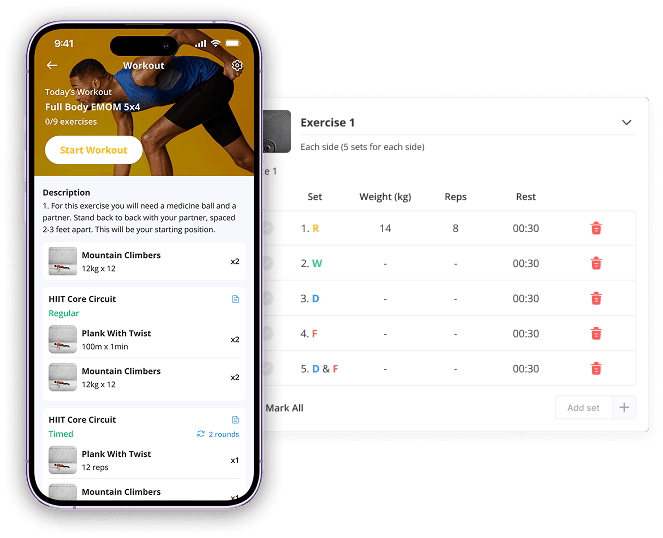
Custom workouts
Create personalized workouts for each client.
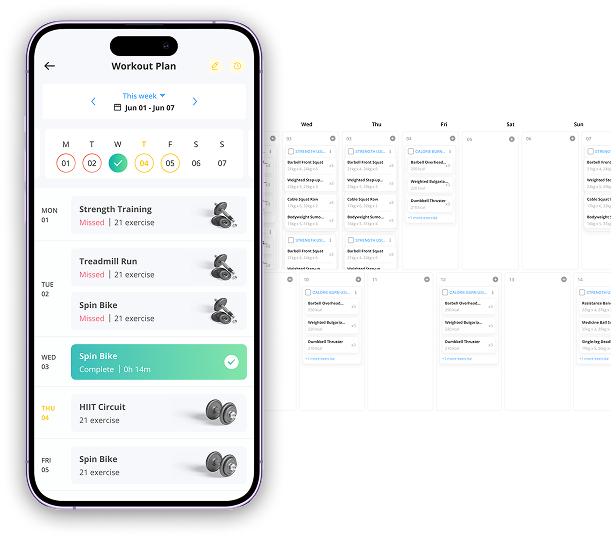
Assign to Clients Instantly
Quickly add workouts to a client’s calendar or assign in bulk.
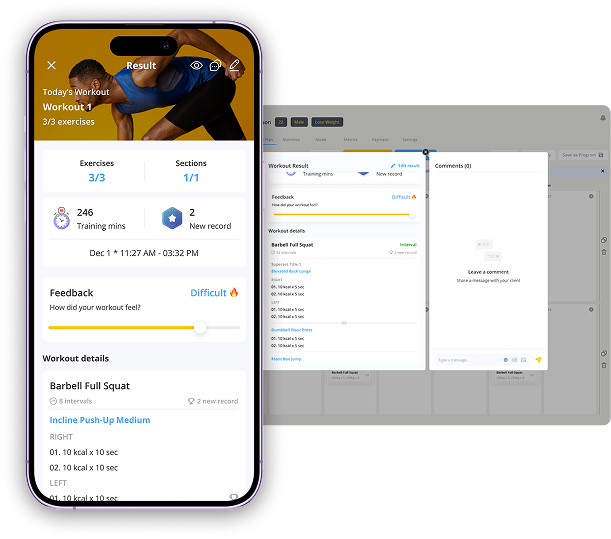
Track Progress Visually
View each client’s overall training progress - all in one clear dashboard.
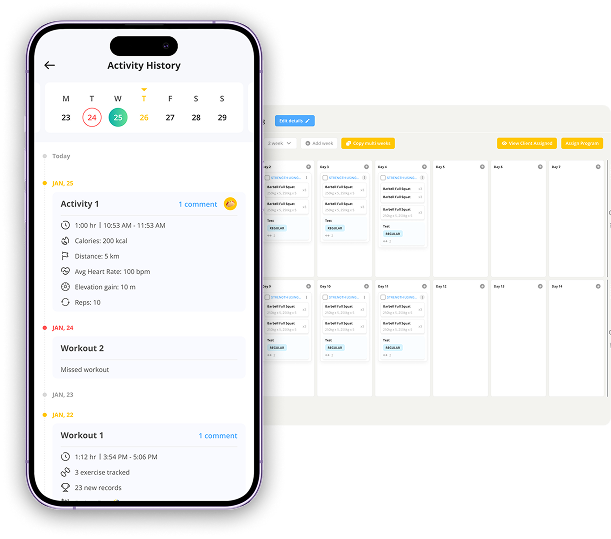
Save Time with Templates
Use reusable templates to speed up workflow and reduce repeat work.
FEATURE MATTERS?
Because structure drives success.
Coaches need a reliable way to design and deliver training that’s personalized, scalable, and easy to manage. The Training feature helps you stay organized, save time, and keep clients progressing with consistent, high-quality workouts.
COMMONLY ASKED
QUESTIONS
I am here to help!
1. Can I reuse the workouts I create for multiple clients?
Yes. Every workout you build can be saved as a template, allowing you to reuse it whenever needed. You can quickly apply the same structure to different clients, adjust it based on their goals, and assign it without rebuilding the plan from scratch.
2. How do I track if a client completed a workout?
The visual progress view shows each client’s activity status in real time. You’ll see which workouts were completed, skipped, or are still upcoming - along with timestamps - so you can easily identify trends, follow up, and keep clients accountable.
3. Can I assign workouts to several clients at once?
Absolutely. The bulk-assign tool lets you select multiple clients or entire groups and schedule the same workout for all of them in just a few clicks. It’s perfect for challenges, group programs, or onboarding new clients efficiently.
4. Can clients view workouts on their calendar?
Yes. Once assigned, workouts automatically appear in the client’s calendar inside the app. This helps them understand their weekly training schedule, prepare in advance, and stay consistent with their fitness routines.

You want to train with me?
Grow Your Coaching Business
Grow Your Coaching Business