

 Training
 Nutrition
 Messaging
 Forum
Forum Progress tracking
 Lesson
Plan Smarter.
Deliver Easier.
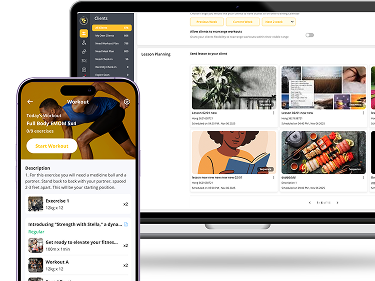
Upload bite-sized video lessons that appear automatically on the right days for each client, no matter when they start. Teach technique, mindset, or motivation – and keep your clients inspired throughout their journey.
Your content goes here. Edit or remove this text inline or in the module Content settings. You can also style every aspect of this content in the module Design settings and even apply custom CSS to this text in the module Advanced settings.
.
CREATE & MANAGE WITH EASE
Our intuitive lesson builder makes it simple to create, schedule, and deliver professional content. Each lesson includes a cover image, title, description, and rich media support.

Quick Lesson Creation
Build complete lessons in minutes with our streamlined editor and media upload tools.
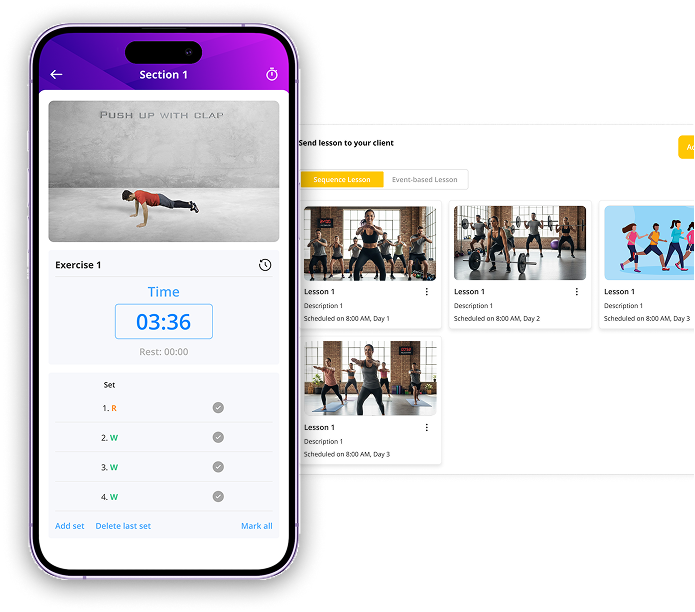
Smart Lesson Delivery
Deliver lessons by sequence or special events - perfect for ongoing programs and personalized engagement.
Flexible Scheduling
Set exact times, days, or events for each lesson. Full control over when clients receive content.
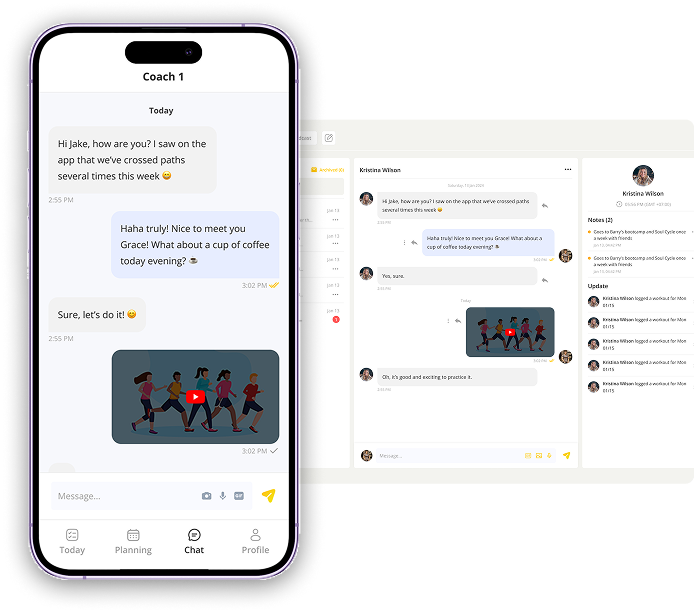
Rich Media Support
Upload videos, images, or embed YouTube content. Engaging lessons keep clients coming back.
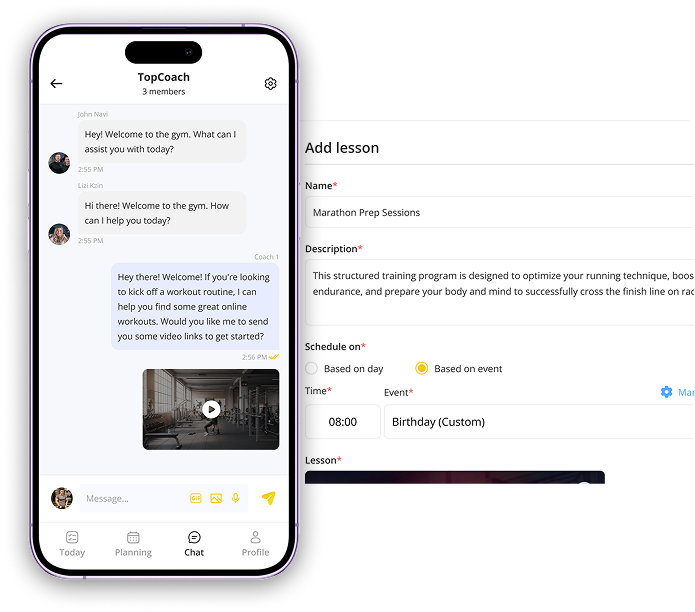
Quick Lesson Creation
Build complete lessons in minutes with our streamlined editor and media upload tools.
Smart Lesson Delivery
Deliver lessons by sequence or special events - perfect for ongoing programs and personalized engagement.
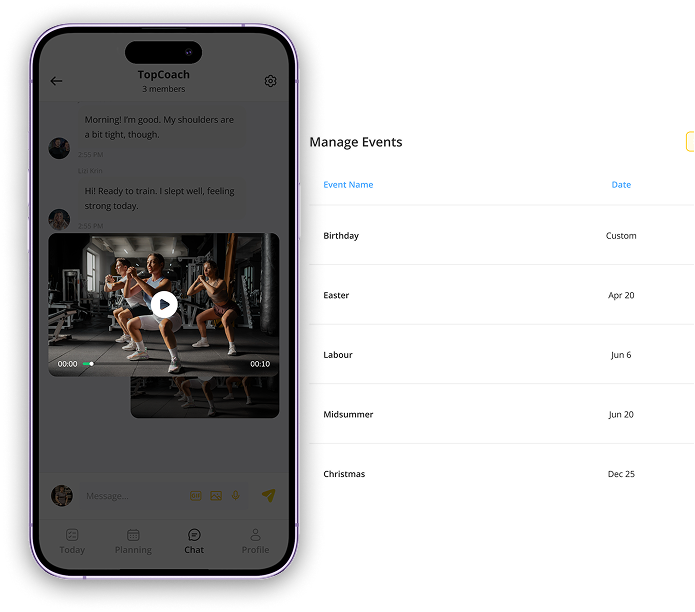
Flexible Scheduling
Set exact times, days, or events for each lesson. Full control over when clients receive content.
Rich Media Support
Upload videos, images, or embed YouTube content. Engaging lessons keep clients coming back.
FEATURE MATTERS?
This feature automates all lesson delivery and client communication, ensuring every client receives a consistent, high-quality experience without you manually sending anything. Set up once, and the system handles follow-ups and progression in the background – saving you time and eliminating mistakes. As you grow, it scales smoothly, keeping your coaching professional and consistent across many clients or programs.
COMMONLY ASKED
QUESTIONS
I am here to help!
1. How do I create a sequence lesson?
To create a sequence lesson, simply choose “Sequence Lesson” when starting a new lesson, assign the appropriate day number (such as Day 1, Day 2, Day 3), then upload all the content you want included. Once saved, the system will automatically deliver each lesson to clients in the correct order based on the date they begin the program, ensuring everyone receives the right lesson at the right time.
2. Can I edit lessons after they're created?
Yes, lessons can be fully edited even after they’re created. You can update the title, description, schedule settings, media files, and any other content within the lesson. Any changes you make will be reflected for future deliveries, allowing you to refine or improve lessons without needing to recreate them.
3. What types of content can I include in lessons?
Lessons support a wide variety of content through rich media capabilities. You can upload videos, add images, insert text descriptions, and embed YouTube videos to make your lessons more engaging. This flexibility allows you to build professional, interactive lessons that suit different learning styles and keep clients consistently engaged.
4. How do event-based lessons work?
Event-based lessons are triggered by specific events instead of by day order. When creating the lesson, select “Based on event”, then choose the event type, date, and time you want the lesson to be released. Once the event occurs - such as a scheduled milestone, a custom date, or a special occasion - the system will automatically deliver the lesson to clients at the exact time you set.

You want to train with me?
Grow Your Coaching Business
Grow Your Coaching Business